




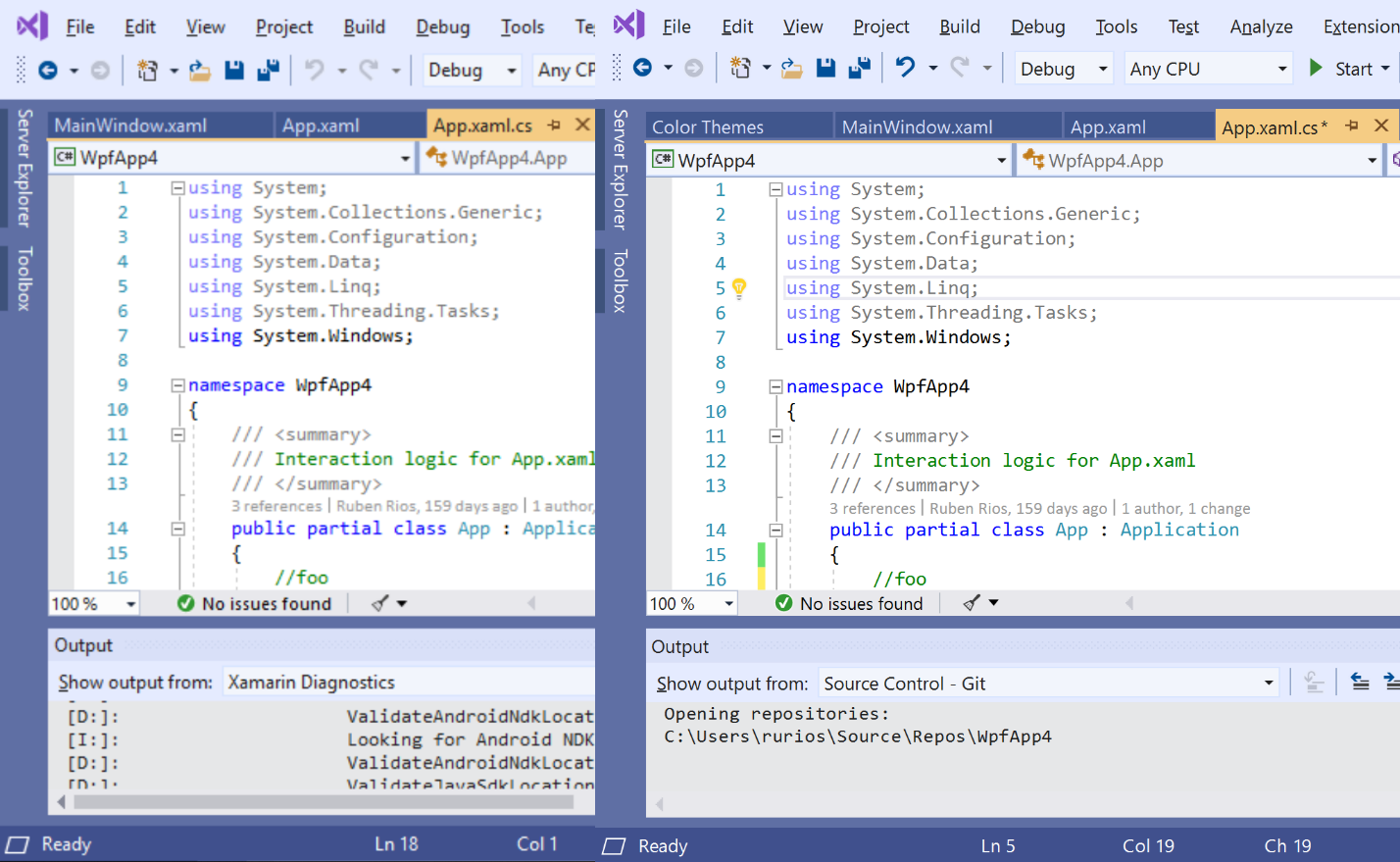

Workload-based installer - install only what you need. Powerful code writing and functions are all you need to build applications in one place. Multi-language support - code in C, JavaScript, TypeScript, Python, and more. Cross-platform development - create applications for any platform. Integrate release management - work collaboratively on code with your teammates. Artificial intelligence-powered development - code creation is more efficient with the help of AI.
Additional Information:
Hardware:
ARM64 or x64 processor recommended; Quad-core or better.
ARM 32 processors are not supported.
At least 4 GB of RAM.
Resources utilized are influenced by many factors; for typical professional solutions, we recommend 16 GB of RAM.
Windows 365: Minimum 2 vCPUs and 8 GB of RAM. Recommended 4 vCPUs and 16 GB of RAM.
Hard disk space: Minimum 850 MB to 210 GB of free space, depending on the installed features;
typical installations require 20–50 GB of free space.
We recommend installing Windows and Visual Studio on an SSD for improved performance.
A graphics card compatible with a minimum display resolution of WXGA (1366 x 768);
Visual Studio will run best at 1920 x 1080 or higher.
The minimum resolution assumes scaling, DPI settings, and text scaling are set to 100%.
Unless set to 100%, the minimum resolution should be scaled accordingly.
For example, if you set Windows-Scale and Laptop. Displayset on your Surface Book,
If you have a physical display of 3000x2000, 200%, then Visual Studio will see the logical display resolution of 1500x1000,
which meets the minimum requirement of 1366x768.
Additional requirements and recommendations:
Administrator rights must be
required to install or upgrade Visual Studio. Visual Studio requires the . NET Framework 4.7.2 or higher.
To install Visual Studio version 17.8 and earlier, . NET Framework 4.5.2 or higher is required.
Visual Studio is required to work with the . NET Framework 4.8. If the . NET Framework 4.8 is not already installed, it will be installed during setup.
Developing Universal Windows apps, including designing, editing, and debugging, requires Windows 10.
Windows Server 2019 and Windows Server 2016 can be used to create a Universal Windows app from the command line.
Installing Visual Studio requires the WebView2 runtime.
If not already installed, it will be installed during setup.
Visual Studio installation will fail if WebView2 cannot be installed successfully (due to a configuration error or Group Policy limitation during installation or upgrade).
Office 2013, Office 2013, or Office 2010 is required to integrate the Office 2019 Team Foundation Service Pack.
Smart App Control, which is a Windows feature, is not recommended for users to install on developer computers.
Any setting other than "off" may negatively affect Visual Studio performance.
System Requirements:
Visual Studio 2022 is supported on the following 64-bit operating systems:
The minimum supported version of Windows 11 or higher: Home, Pro, Pro Education, Pro for Workstations, Enterprise, and Education.
The minimum supported version of Windows 10 or higher: Home, Professional, Education, and Enterprise.
Windows Server 2022: Standard and Datacenter.
Windows Server 2019: Standard and Datacenter
Windows Server 2016: Standard and Datacenter
The following options are not supported: 32-bit and ARM32 operating systems.



